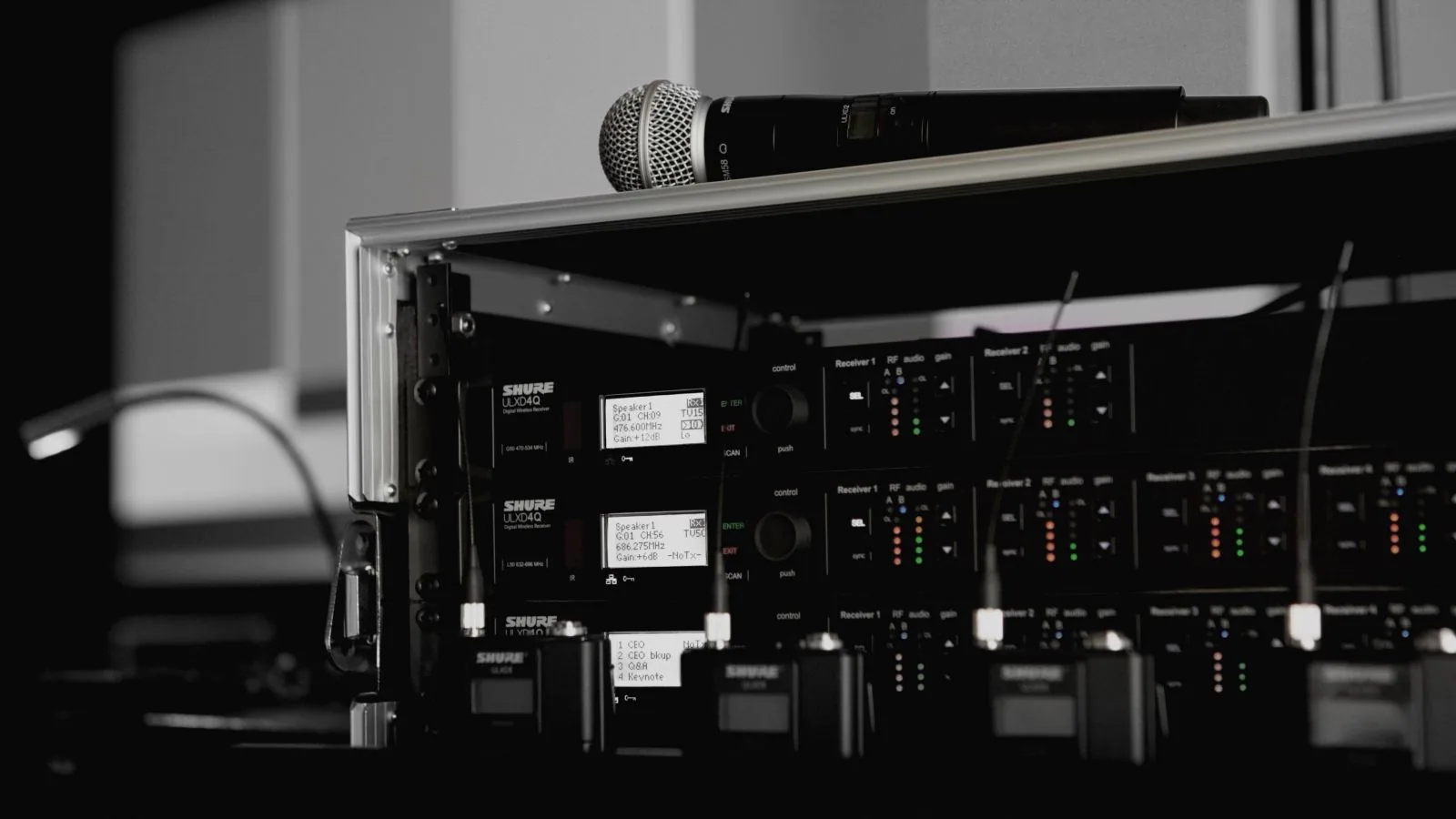
Nothing derails a DIY event faster than a mic screeching through the speakers right as someone starts their toast. The good news: feedback is almost never a sign the equipment is broken. It's a loop, the microphone picks up its own sound coming back out of the speaker, sends it out again, and the loop runs away with itself. Once you understand that, the fixes are simple and you can prevent it before your event even starts.
The Number One Cause: Speaker Placement
If the microphone can "hear" the speaker too directly, you get feedback. The fix is aim, not volume. A speaker does not spray sound in every direction. It throws a cone out the front, like the beam of a flashlight, narrow at the box, wide by the time it reaches the back row. Inside the cone is loud. Just past the edge is much quieter. How wide that cone opens has a name: the splay. A spec sheet, or a rental rep, will call it the coverage instead, written like 90 x 60. Point the cone at people. Keep it off the microphones. That matters more than where the speaker is standing. A speaker can sit out front, off to the side, even behind you, as long as its cone lands on the crowd and not on the mic. Turning one speaker a few degrees solves the majority of feedback problems before you touch a volume knob. Our free Audio 101 guide draws this out.
The Second Cause: Gain Set Too Hot
Gain is how sensitive the microphone input is, separate from the overall volume. If gain is turned up too high, the mic picks up more of the room, including the sound coming back from the speakers, and it takes less to trigger a feedback loop. Start conservative. It's easier to nudge gain up gradually during a soundcheck than to fight feedback that's already screeching over your event.
The Third Cause: The Room Itself
Hard, reflective surfaces, tile floors, bare walls, high ceilings, bounce sound back toward the microphone more than a room full of soft furniture and carpet does. You can't change a venue's walls, but you can compensate by keeping speakers angled away from hard surfaces and being a little more conservative with gain in a live-sounding room than you would in a carpeted living room.
Chapter one of the free Audio 101 guide, "The Screech," walks through feedback troubleshooting step by step, written for DIY renters with zero sound engineering background.
Read the Free Audio 101 GuideThe 60-Second Pre-Event Check
Before guests arrive, turn the system on, hand someone the mic, and walk it through the actual space it'll be used in, including anywhere near a speaker. If it starts to ring or screech, that tells you exactly where the problem spot is while you still have time to move a speaker or back off the gain, instead of finding out mid-toast in front of everyone.
When It's Not a DIY Fix
Some rooms are genuinely difficult, very live, hard-surfaced spaces, multiple mics running at once, or a system that has to cover a much bigger area than a simple placement fix can solve. That's the point where adding an operator, rather than more troubleshooting, is the faster answer. If you're renting for an event where this feels like a real risk, ask when you book and I'll tell you honestly whether it's a simple placement fix or worth adding a tech for the day.